
TV GUIDE · 3 MIN READ
EPG says “No information”? Check the guide, not just the stream.
Why a channel can play while its programme schedule stays blank—and what to check next.
No matching language or network.
TV GUIDE · 3 MIN READ
Why a channel can play while its programme schedule stays blank—and what to check next.
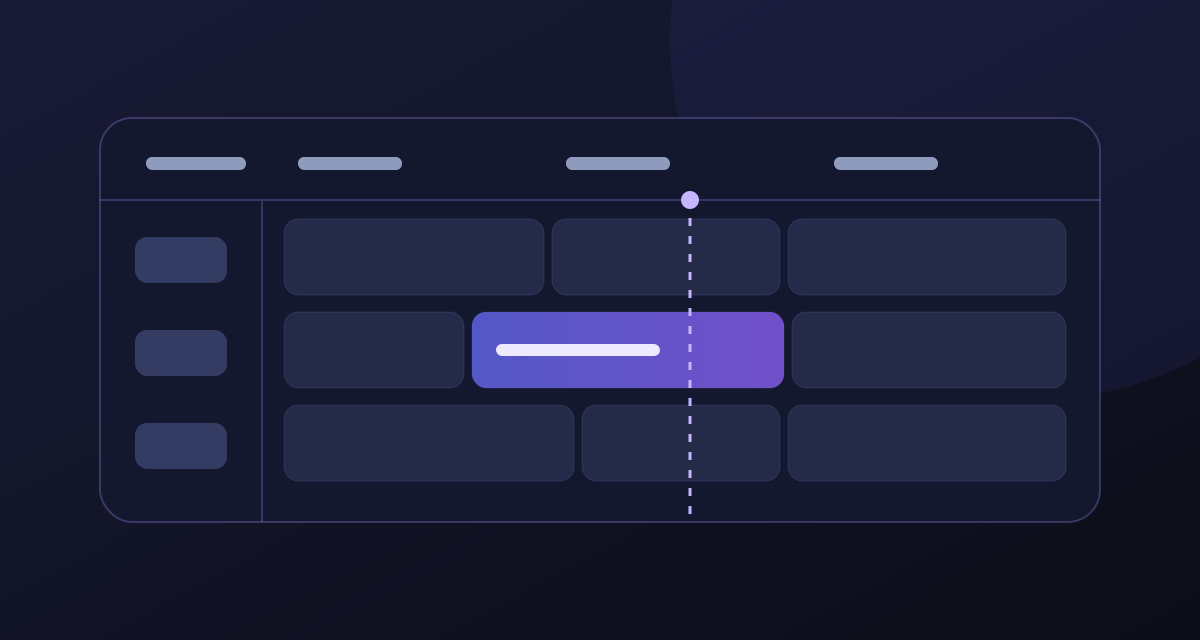
The EPG is a schedule feed mapped to channel IDs. It can be missing or out of sync even when video plays normally. If you have no picture at all, start with the playback checklist instead of spending time on guide settings.
Tell support which channels are blank, whether playback works, the app and device you use, and the most recent successful guide update. Send a redacted screenshot if helpful; hide login details and full playlist addresses.
KEEP READING
 M3U, Xtream and EPG: three details that are easy to mix up.
Understand what each detail does before you add a playlist to a new TV or Firestick.
Read guide IPTV on two screens at once? Separate devices from streams.
Why a player installed on several screens does not necessarily include several simultaneous streams.
Read guide Voices ahead of the picture? A practical IPTV audio-sync check.
Is the delay in one channel, one player or the TV and soundbar chain? Find out before resetting settings.
Read guide