
SUBTITLES · 3 MIN READ
No subtitles on IPTV? Check the track before changing players.
A subtitle button is not a guarantee that the current programme includes your language.
No matching language or network.
SUBTITLES · 3 MIN READ
A subtitle button is not a guarantee that the current programme includes your language.
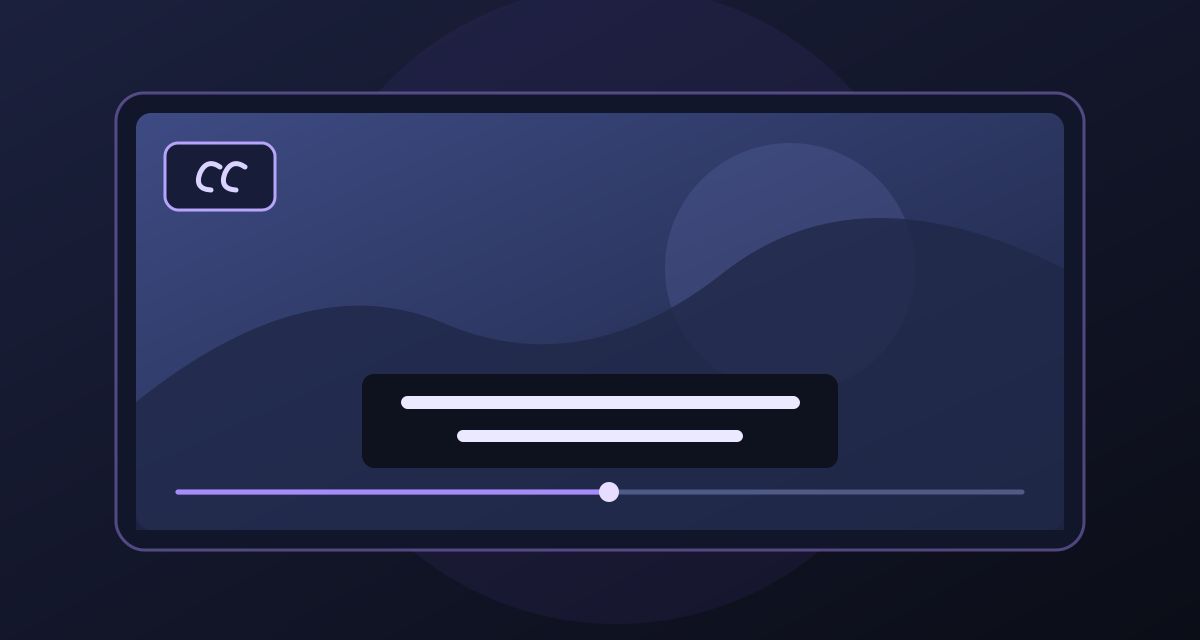
Live channels and on-demand titles can have different audio and subtitle options. Open the player’s subtitle or CC menu while the programme is playing and check which tracks are actually listed. A visible CC icon without selectable tracks does not create captions by itself.
Send the title or channel, episode, desired language, player and device, plus a screenshot of the track list with personal details hidden. Ask whether a subtitle track exists for that exact item; do not assume a service-wide language promise covers every programme.
KEEP READING
 IPTV buffering? Find the bottleneck before changing everything.
A calm, repeatable checklist for live TV freezes on Smart TV, Firestick and streaming boxes.
Read guide EPG says “No information”? Check the guide, not just the stream.
Why a channel can play while its programme schedule stays blank—and what to check next.
Read guide M3U, Xtream and EPG: three details that are easy to mix up.
Understand what each detail does before you add a playlist to a new TV or Firestick.
Read guide